Interactable component
The Interactable Component is responsible for handling the interaction logic on the interactable actor side, it is also responsible for receiving interaction requests from the interactor component and responding to them.
The component can be added to any actor blueprint that you want the player to interact with, but if you want to make a custom version of an interactable object, you can also create a new actor component that dervies from Universal Interactable.
For example items can have their own component called Item Interactable with custom variables and properties.
Here are the properties that you can modify by default on the Interactable Component:
| Property | Description | Default Value |
|---|---|---|
| Interaction Distance | The maximum distance that this interactable can be interacted from (in unreal units). | 200 |
| Interaction Time | How long it takes to interact with this interactable. | 0 |
| Interactable Name Text | The name of the interactable to show in the UI. | "Interactable" |
| Interactable Action Text | The action to show in the UI (eg. Sit, Drink, Pickup). | "Interact" |
| Focused Overlay Material | The material to show on top of any mesh components inside the interactable. | NULL |
Focused Overlay Material
The Focused Overlay Material is a material that will be applied to all mesh components inside the interactable when the player is looking at it, this is useful for giving visual feedback to the player on what they are looking at.
There is a bug in Unreal Engine versions from 5.0-5.2 where overlay materials don't work on meshes that have Nanite enabled, make sure to disable nanite on your meshes or create a decal on the mesh if you want to use the focused overlay material. In Unreal Engine versions 5.3 onwards this works nontheless.
Next, let's take a look at the functions/events that the Interactable Component offers:
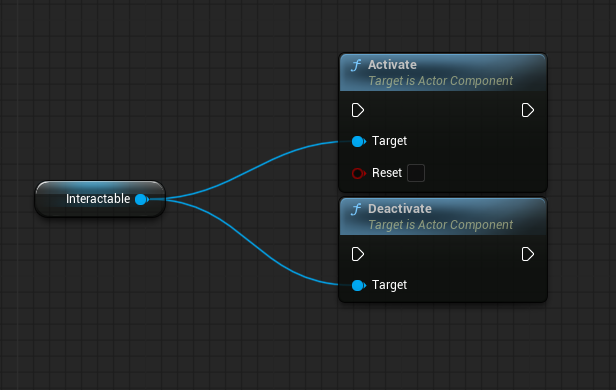
- Activate/Deactivate: This function is used to activate or deactivate the interactable, when deactivated the interactable won't respond to interaction requests.
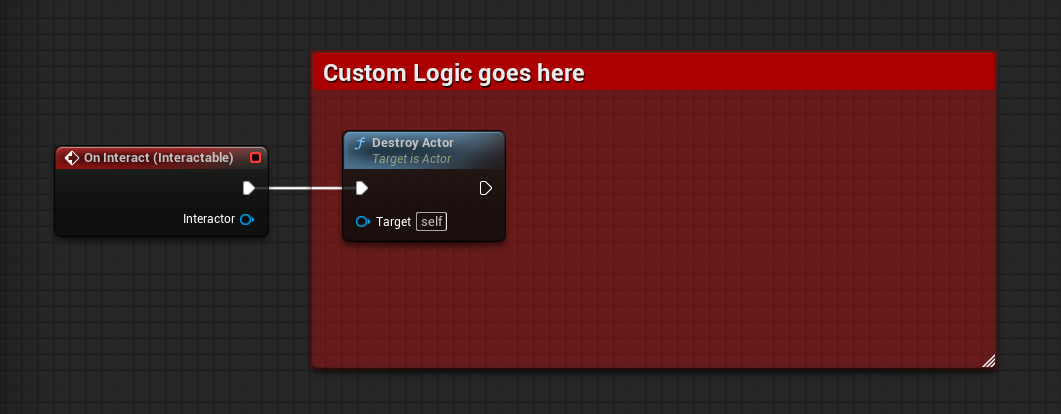
- On Interact: This event is called when the interaction is finished (whether a press or a hold interaction), it returns the interactor actor that sent the interaction request, you can use this event to trigger any logic you want when the player interacts with this interactable (for example a door opening or picking up an item).
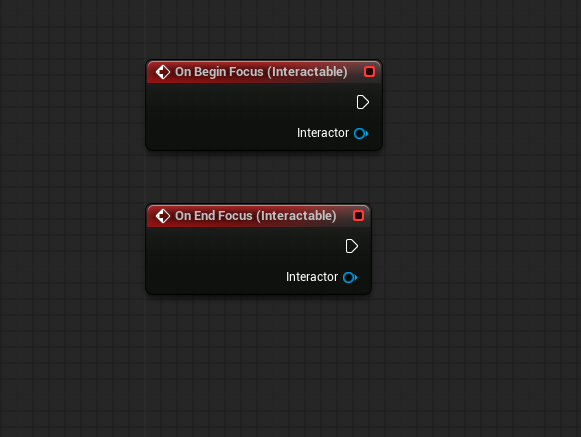
- On Begin/End Focus: These events are called when the player starts or stops looking at the interactable.
- Can Interact: This function can be overridden only in components that derive from the Interactable Component, it is used to determine whether the interactable can be interacted with or not, for example, you can use this function to prevent the player from interacting with a door if it's locked.
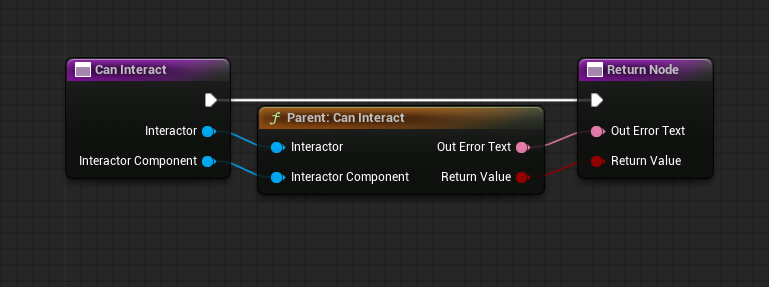
The Out Error Text can be used to give feedback to the player on why they can't interact with the interactable, for example, "The door is locked".